



















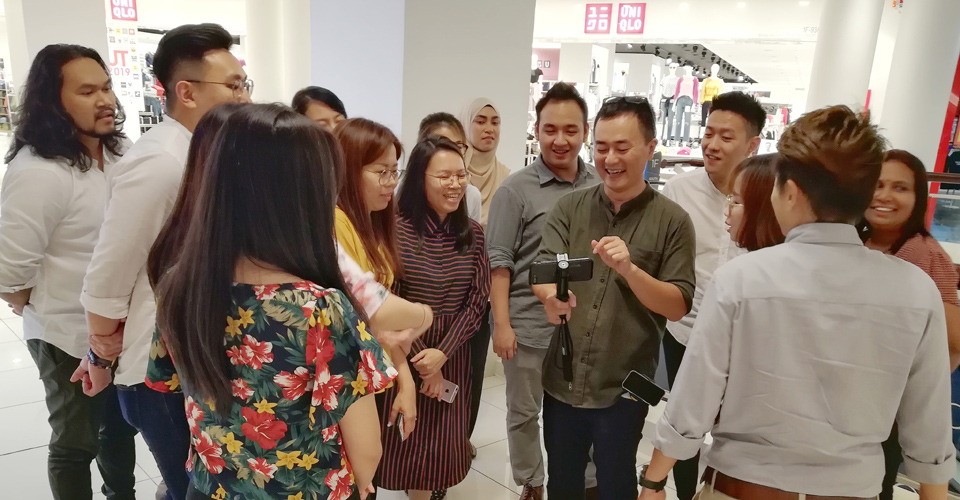
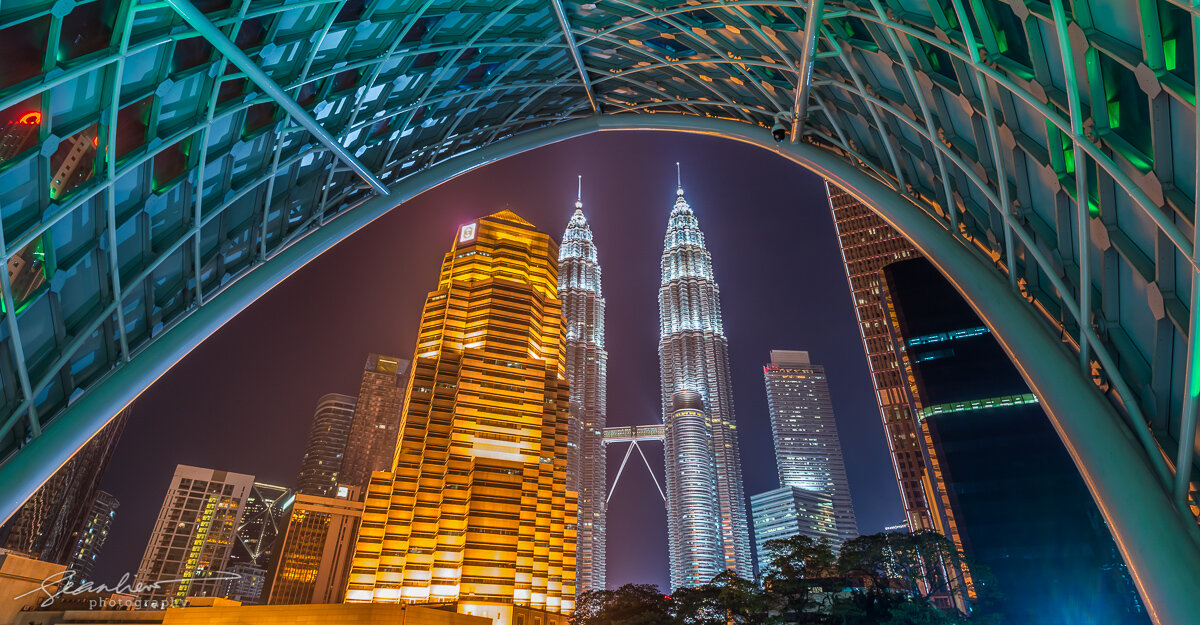
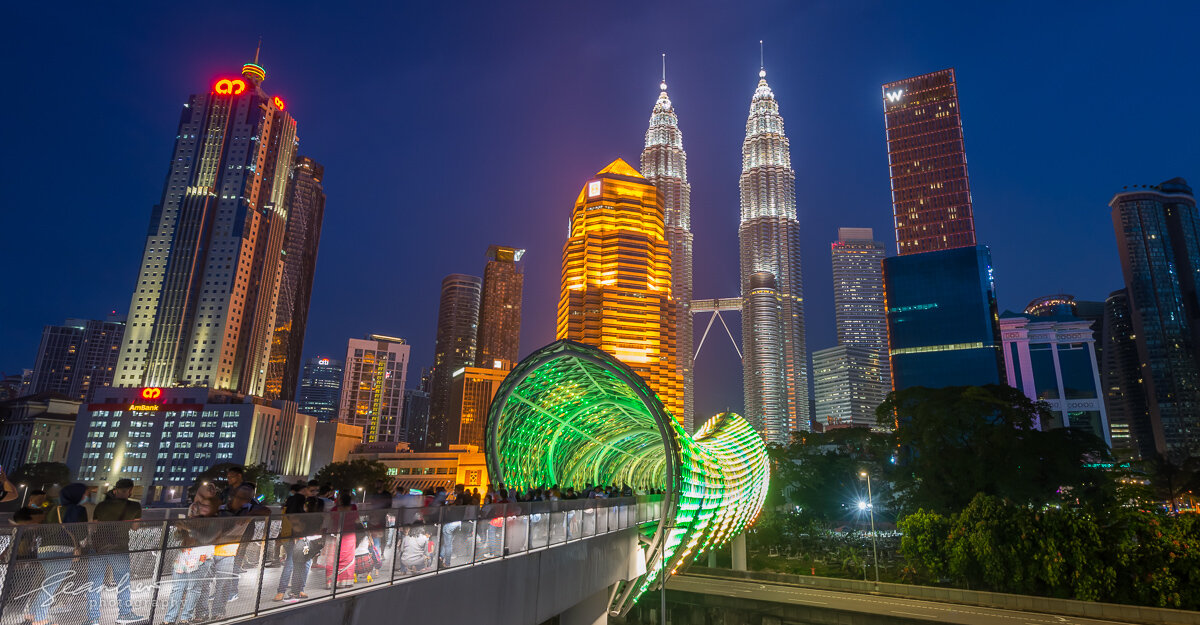
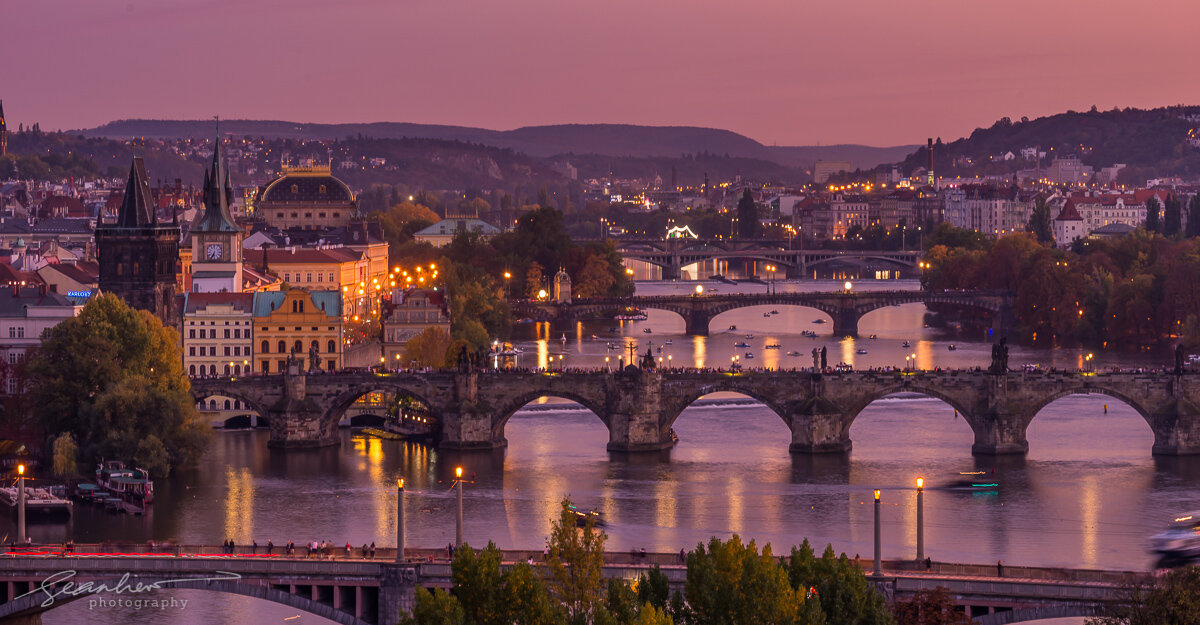






What Sean Liew Photography alumnus are saying:
“Sean was incredibly easy to work with approachable, professional, and engaging in his delivery. His sessions struck a great balance between theory and hands-on practice, and he created a welcoming environment for the whole team to learn, ask questions, and explore new skills.”
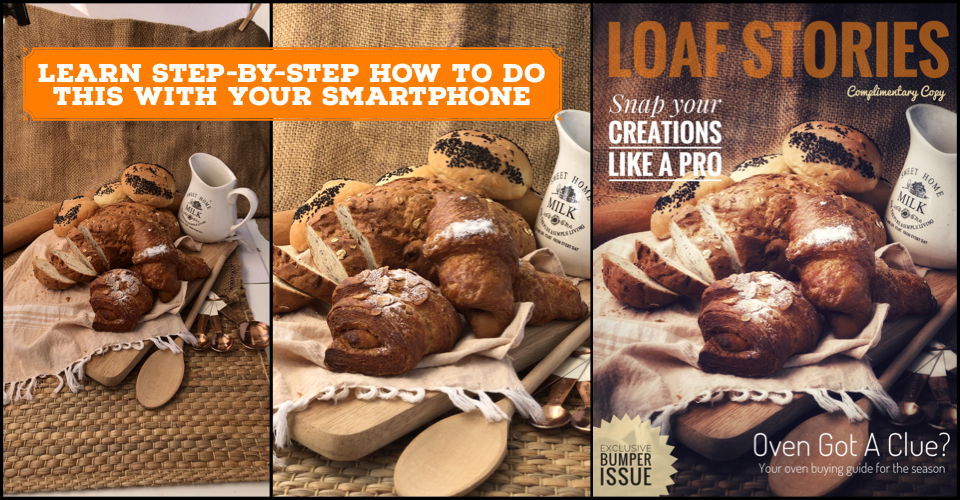
“Sean’s lesson shed light on framing, importance of zooms and the magic of portrait mode amongst others. All with examples of Sean’s photos to show the results that can be achieved on smartphones.
For a simple “point and click” photo taker who was never really confident with my photos, I am now eager to get out there and start snapping.”
“I really learned a lot and discovered so many features I wasn’t aware of before. Appreciate your guidance🙏”
“I couldn’t be more impressed with the experience. The tutor was incredibly knowledgeable and approachable, making the course easy to understand even for beginners like me. I especially appreciated how he shared his own work as a reference, giving us clear examples of what makes a great photo—be it lighting, composition, or storytelling”
“Your practical tips on smartphone videography and photography were easy to follow and instantly applicable. The hands-on approach made the learning experience highly effective. I’m now more confident in creating professional content using just my phone. Great session!”
“Sean’s workshop was very helpful. His clear explanations and practical approach made it easy to understand and apply key concepts. He provided useful feedback and created a supportive learning environment. I came away feeling much more confident in my photography skills.”
“The course was great, clear and didactic explanations. Today I can manage editing programs and my camera well”
“A cheerful wander around a lovely city. Sean was delightful company as he showed me around KL”
“I recently spent some time with Sean on the basic photography class and it was an invaluable experience. Sean is an experienced professional photographer, easy-going and patient. If you are looking for personal development in improving photography skills, go for this 1-on-1 training, explore the fun and creative photography world!”
“Pengalaman yang sangat berguna untuk jurugambar yang baharu dan lama. Pendekatan Encik Sean dalam mengenalpasti kekurangan seseorang individu melalui aspek teknikal kamera, komposisi, pencahayaan dan lain2 dapat diperbaiki. Encik Sean adalah jurulatih pakar dalam bidang fotografi dan sangat menggalakkan mereka yang ingin memperbaiki kemahiran diri untuk menyertai kursus pendek yang dikelolai beliau.”
“Sean is a very passionate teacher. We learnt so much from the smartphone photography class. It is an extremely comprehensive 3-hour class. We are inspired to use our smartphone cameras in a more skillful way. Sean is also very patient and friendly. Definitely recommended if you wanna take great pictures!”
“Sean is not only a knowledgeable and experienced photographer, but he also has a wide range of travel experience, which brings a unique perspective to his teaching. He has a diverse portfolio in many fields of photography, including landscape, portrait, street, and light photography, just to name a few. Sean made learning about photography both enjoyable and easy...
(read more in Testimonial section)”
“独学で本を読んでわからなかった理論が、Seanのプライベートレッスンによってすんなり理解することができた。
簡潔な資料、実践を交えた講義となっており、理解がしやすい。日本人にも是非お勧めしたい。授業後の相談にも親切にのってもらえるため、また練習して違う講座も受けてみたい。”
“Highly recommend Sean’s private class. He is an experienced photographer with a keen eye for aesthetics. Enjoyed learning tips and tricks while really inspired by his photos. We are eager to put our newly learned skills to good use”
“It’s rare to enjoy every moment of a lesson but I did so in my smartphone photography lesson today. Face to face meant hands on practise with instant feedback, and effective communication with eye contact. Sean’s easy-going personality and expertise in photography completes the picture for an enjoyable yet educational lesson. I highly recommend Sean if you are looking for a private photography lesson!”
“Sean 老师是一个对学生很耐心又很有责任感的一位老师,在我们上的几堂课中,他都对我细心的教导,有问题也会一一解释给我明白.”
“I told Sean that it is easy to take good photos with my iPhone already and that I want the class to focus on creativity and unlocking higher potential with the camera modes. His session focussed on exactly what I expected and even more by also navigating me to select the right apps amidst the noise in app store, teaching me very simple tricks but overlooked tricks and angles to make pro level photos. Now I think about 2-3 angles before taking a photo and I’m very happy with myself. Sean’s experience really helps! Highly recommended”
“I was looking for a one on one basic photography class and Sean was the answer! He was very patient with all my questions and throughout the sessions, I began to have a clearer and better understanding of the technical aspect of my camera… Sean was great at explaining things to me that I understand my camera so much more now!”
“Sean is a very experienced photographer and a brilliant teacher. I have learnt so much about my phone camera, light/exposure and so many photography techniques.”
“I had fun learning and enjoyed the session. Very interesting and got a lot of practical photography tips. Inspired to continue this learning journey”
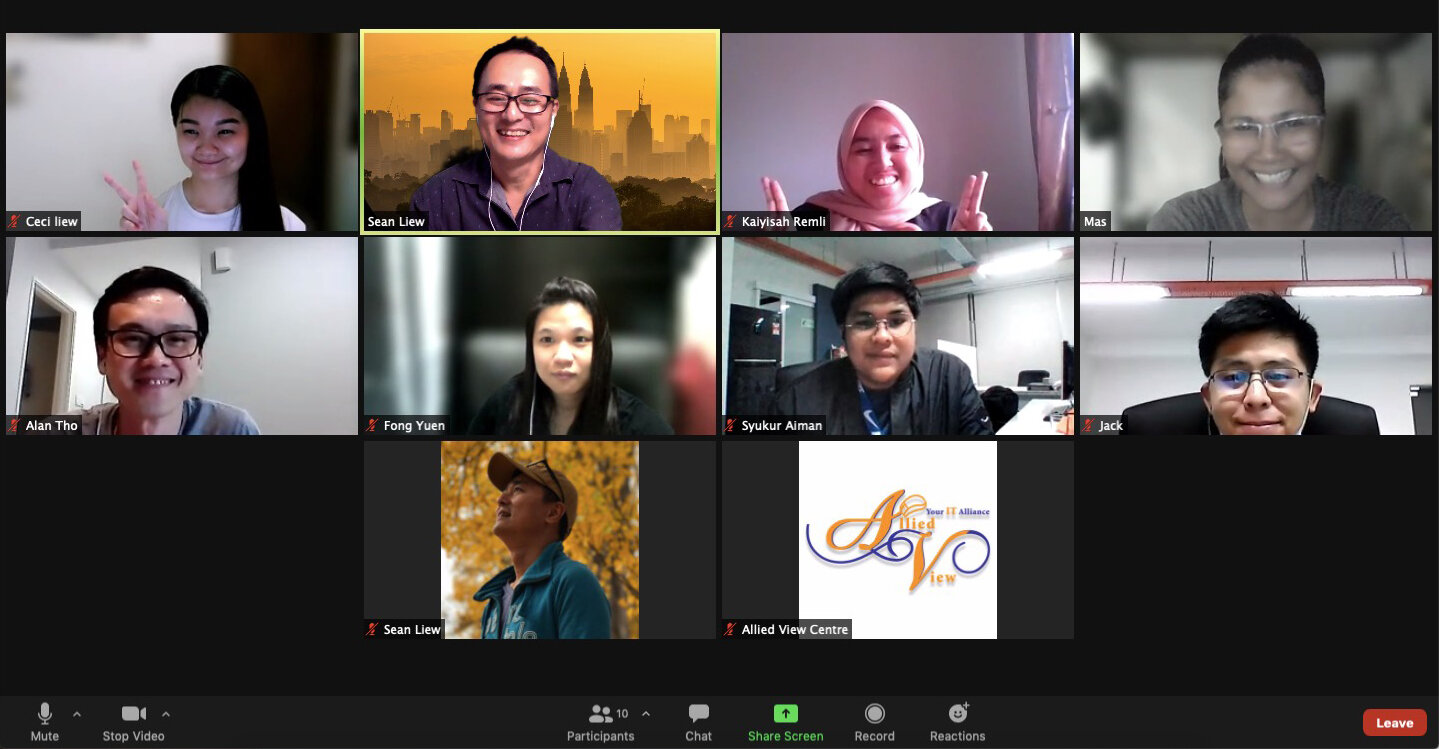
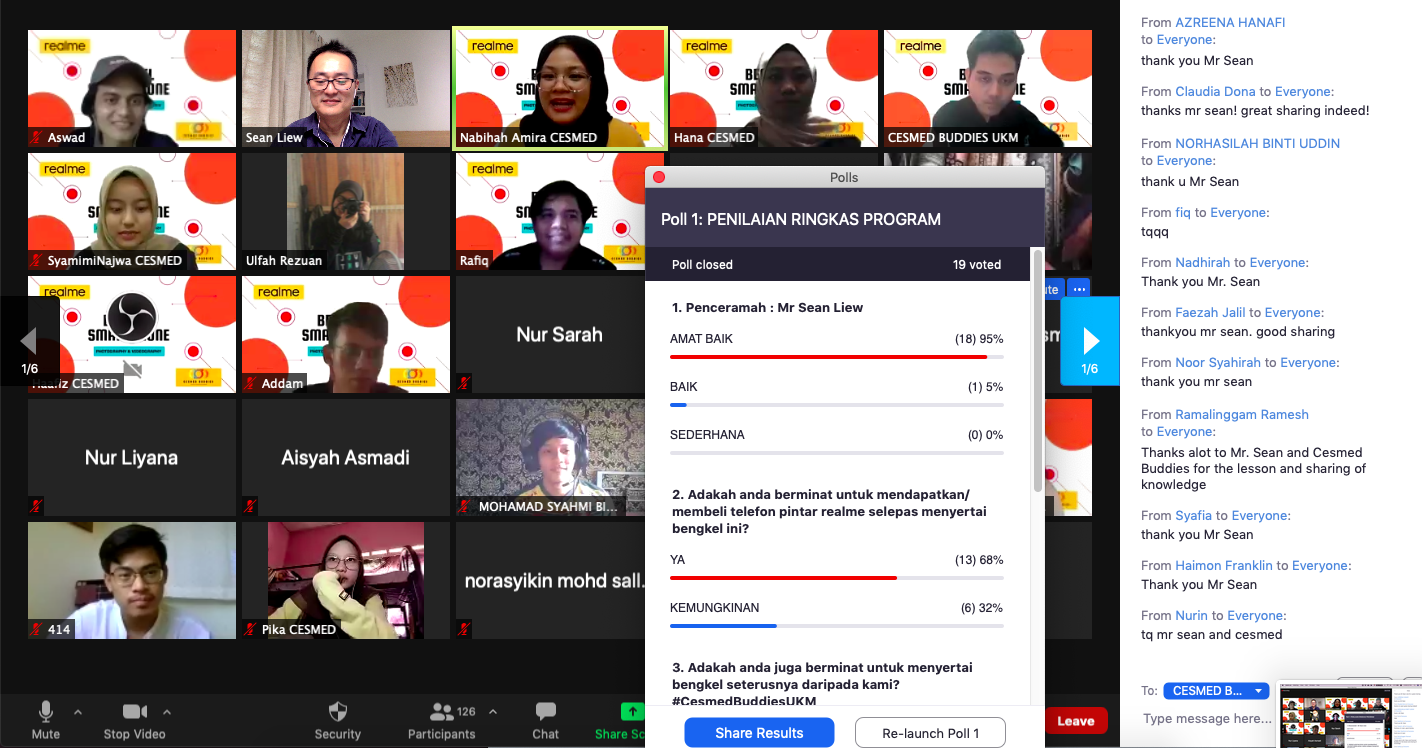
“I really enjoy the Zoom Smartphone class as it is an interactive class to me with sharing on the photography tips...things to take note or to avoid. Even though the class is only 2 hours, ... it was fun to learn and share. Thanks!”
“- Learnt a lot....will try to practice what we learnt today
- I had fun learning and will sure try it out
- Really enjoy the session. Thank you Sean
- Very interesting and beneficial lesson!”
UPCOMING CLASS SCHEDULE:

Enquire about my private Smartphone Photography class, it’s fun, effective and affordable, get started on the journey to great photography.
DIGITAL PHOTOGRAPHY CLASSES RESUMES
Happy to announce that I’m resuming all my classes, group and one-on-one sessions. So let’s get in touch and I’ll show you how to take control of your digital camera and get better images.
“It has been a great learning experience following the Basic Photography course with Sean. We had our class in two days, combining theory and practice, day and night photography. Sean guided me to understand some of the fundamentals of photography and my camera, building a better foundation for my ongoing learning journey. He is a very knowledgeable teacher and provides specific advice on areas needing improvement.
Thank you for this very nice photography class”
“Thanks Mr. Sean for a great sharing”
“Sean mempunyai kaedah pengajaran yang sistematik, jelas dan fleksibel. Saya juga telah didedahkan dengan perlarasan shutter speed untuk menghasilkan gambar yang lebih artistik yang membolehkan saya mengambil gambar pada aras yang baru. Selain itu, terdapat banyak tips yang berguna bagi saya yang sukar didapati dalam video - video di YouTube.”
“SEAN LIEW老师是一位知识非常专业的摄影老师,经验丰富,而且是一位很有耐心的老师。他让我了解摄影是一项从事审美的东西,有着不同的角度和观点,摄影带给我们更多的是对美的憧憬和美的直观感受,摄影是一种源于生活但又高于生活的艺术。”
“Sean is a great teacher and I really enjoyed his photography class. There was a good pace and I appreciated his flexibility with organising different classes, and the help that he has given me. I’ve enjoyed putting my new skills to good use and would happily recommend Sean to others who wish to improve their photography.”
“I personally feel much closer to the camera. I now know what to do in a given situation. Most importantly, Sean developed the confidence in me to take great photos. After class follow ups by Sean are great and this makes his students well equipped with knowledge learnt.”
“A teacher with great passion in photography ... patient, thoughtful and generous in sharing & guiding. Thank you so much as you have inspired & given me a new insight into the art of photography in just 2 lessons. You’re easy to understand & fun learning approach will definitely benefit many beginners. Keep up the good work”
“His teaching was easy to follow and gave me a much greater understanding of how this incredible light box works! Most importantly, it was fun and the locations he chose for our practical sessions provided much inspiration. Since doing the course, I haven’t used auto once (!) and I have been really pleased with the quality and range of the snaps I have been able to take.”
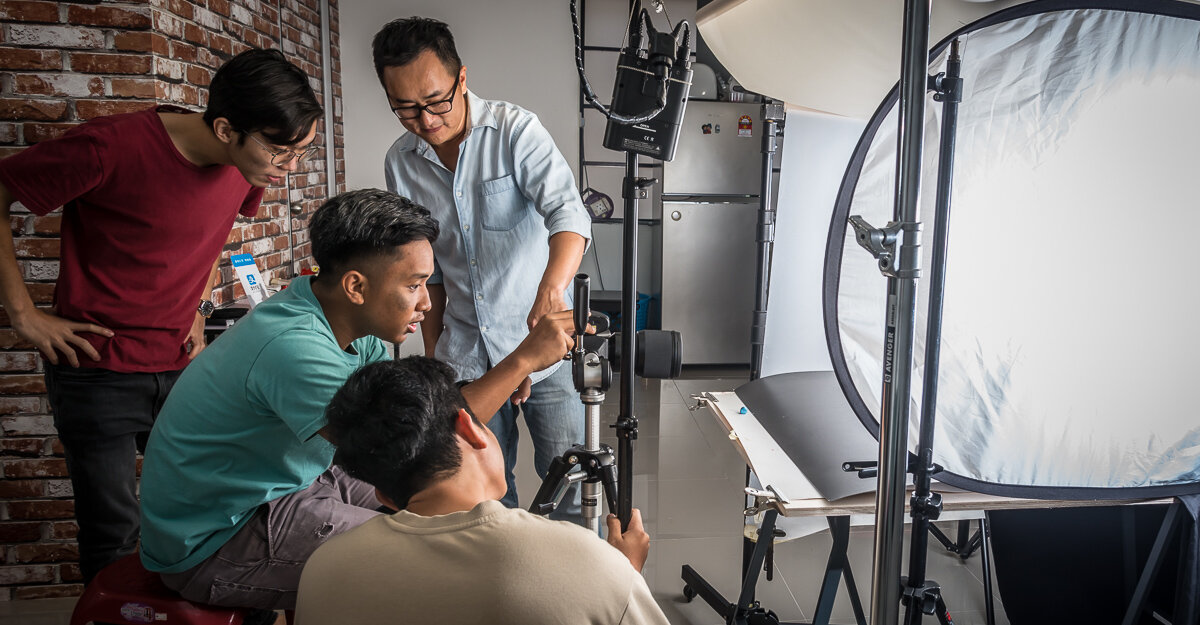
“I attended Sean’s Photography Lesson with my Dad and we both found Sean’s method of teaching very easy to follow and practical. Sean is very knowledgable about all things to do with cameras and was open to all our questions. It was the perfect blend of theory and practical and being able to apply things that we learnt instantly.”
“Working with Sean on a one-to-one basis has been outstanding for me and I have finally been able to take my camera into Manual mode... Sean is extremely patient and clearly enjoys spending time teaching others. Understanding the many of the basics of Adobe Lightroom is far easier with Sean on a one-to-one than it was on video tutorial. Thank You Sean”
“摄影是一个美好的活动。
手机摄影更加是一个比较新潮的拍摄方法。经过 Sean’s mobile phone photography course 的教导, 我对我的手机拍摄有更多的了解和知道如何应用它。
谢谢,Sean!”
“I am indeed very happy and satisfied the way the basic photography lessons conducted by Sean Liew. The teaching approach is simple and yet holistic about the basic knowledge of photography.”
“上了你的課之後,讓我自己能夠更加懂得如何抓角度,正確的握手機拍照等等。對自己會有所要求了。真心謝謝你”
“... covers all of the fundamental knowledge and techniques required to uplift your photography level from basic to intermediate. Most importantly, the session was easy to digest for better application in the future”
“What a great class. Got a lot of good tips and learned new ways to use my phone for photography. So excited to continue my photography journey.”
“Enjoyed the 3 session Basic Photography class very much. I opted for one on one sessions as I had specific questions for my upcoming trip with my new camera. Sean cheerfully answered my many questions within the structure of his photography class which provided practical technical information and photography practice sessions.”
“A very useful training, which is helpful for my jobs”
“Sean’s class far exceeded any expectations we had. He is extremely skilled and knowledgeable in the field as well as very creative. His teaching style is patient and informative, making sure that you will learn as much as possible. We believe that we learnt much more from Sean than we ever would have from any online / youtube class, making this very good value for money as well. We are already planning on coming back to do more of his courses! Thanks Sean!”
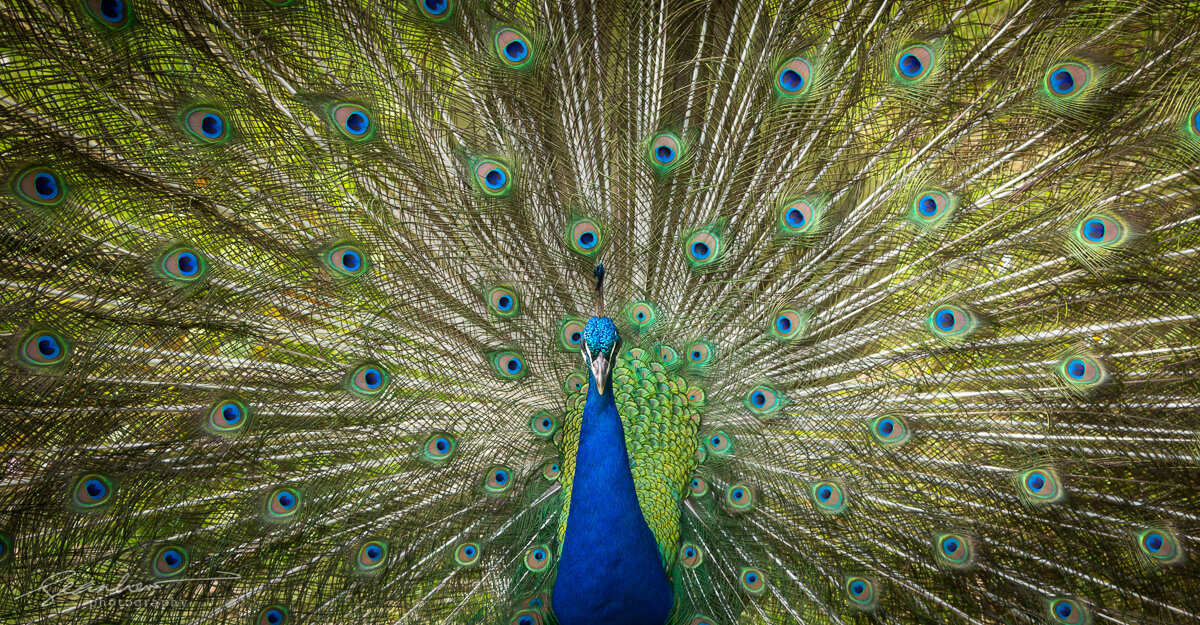
“When Sean showed us some of his photos, I was wowed. And Sean is very generous, sharing all his tips that can easily be applied in everyday life. It’s time to practice!”
You can read more about what my participants say about my classes in the Testimonial section here.